
Our solutions
Simplify hybrid work & space management
Managing a hybrid office means juggling a lot of competing demands — ensuring there are enough desks for the days people come in, keeping meeting rooms from being double-booked, communicating with employees across floors and schedules, and reporting on space utilization to leadership. Daysk gives office managers and facilities teams a single platform to handle all of it, replacing spreadsheets, email chains, and disconnected tools with one clear, real-time view of your workplace.
Value Proposition
Why Office Managers
Choose Daysk

Streamline bookings
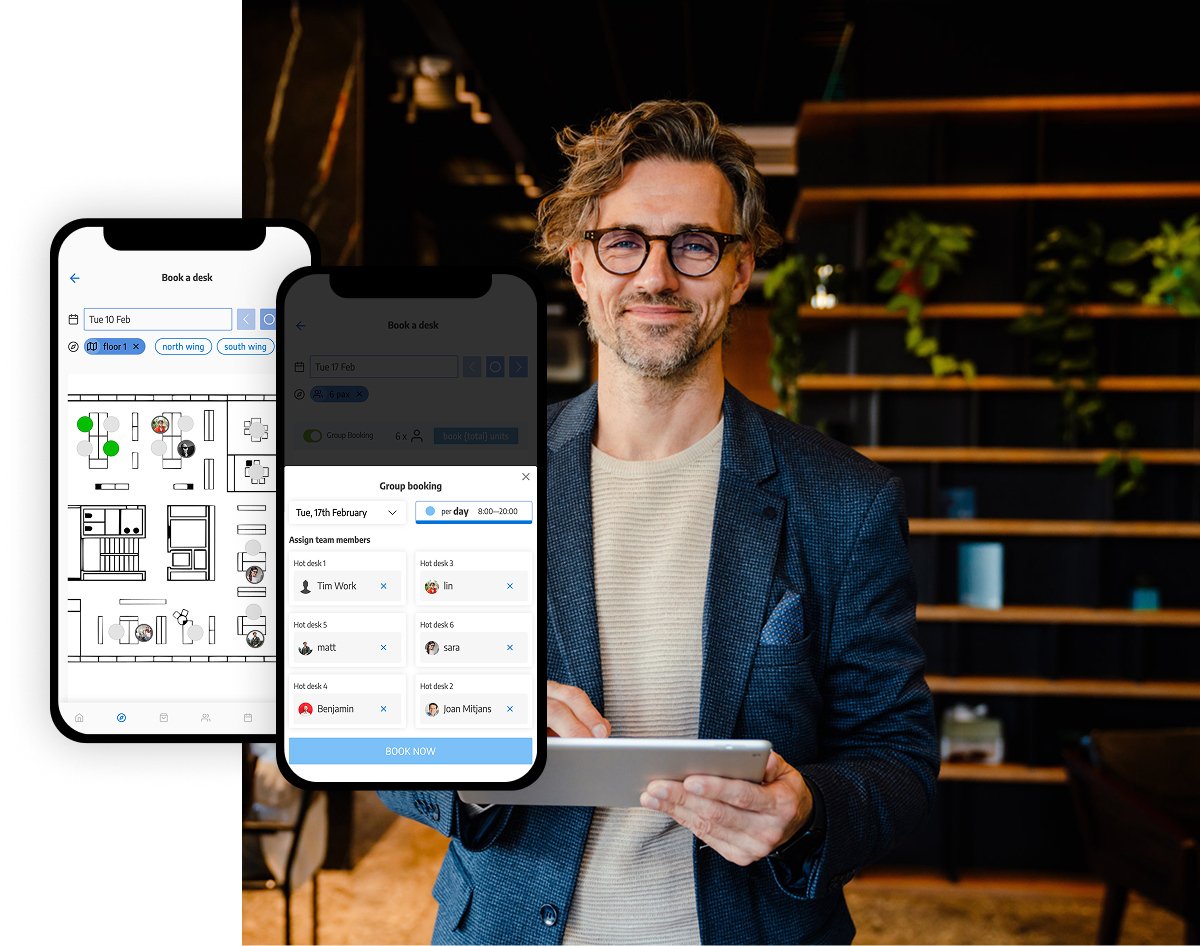
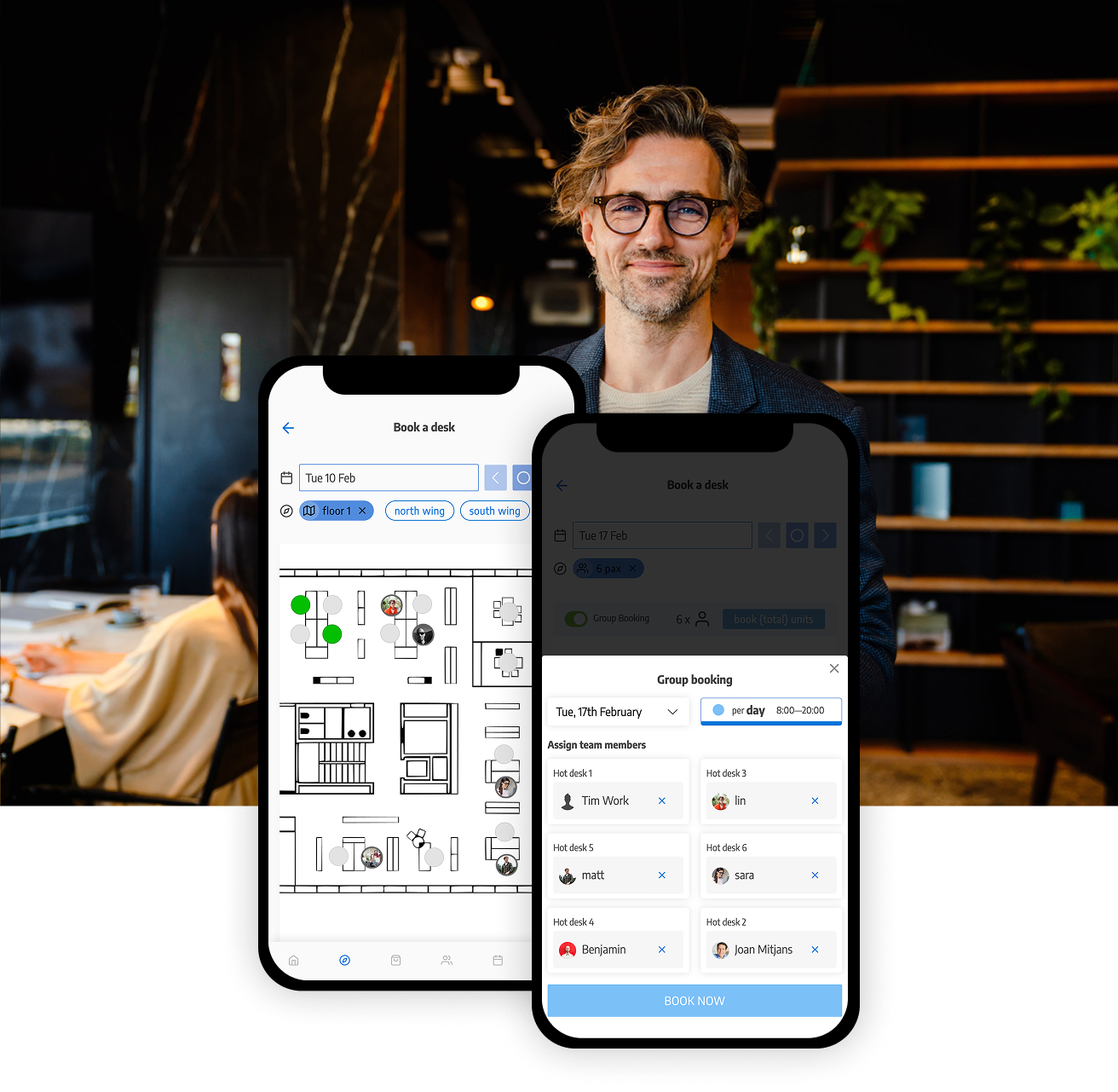
Managing desk reservations, meeting room availability, parking spots, and visitor access across separate tools or spreadsheets is time-consuming and error-prone. A centralized booking system eliminates double bookings, automates no-show releases, and gives employees a single place to reserve any resource in seconds, from any device.

Reduce administrative overhead
Office managers spend a disproportionate amount of time on low-value coordination tasks. Automated booking workflows, self-service reservation tools, and real-time availability updates free up time to focus on higher-impact work, while reducing the back-and-forth with employees about who sits where and when.

Keep hybrid teams informed & connected
When employees are split between home and office on different schedules, communication gaps are inevitable without the right tools. Built-in workplace communication features, announcements, and community tools help office managers keep everyone aligned, regardless of where or when they’re working.

Make data-driven space decisions
Gut feeling isn’t enough when justifying office space costs or planning for growth. Real-time occupancy data, desk utilization reports, and space analytics give office managers concrete evidence for decisions about floor layouts, hot-desking policies, and real estate footprint.
How It Works
How Office Managers Use Daysk
Step 1
Set up your spaces
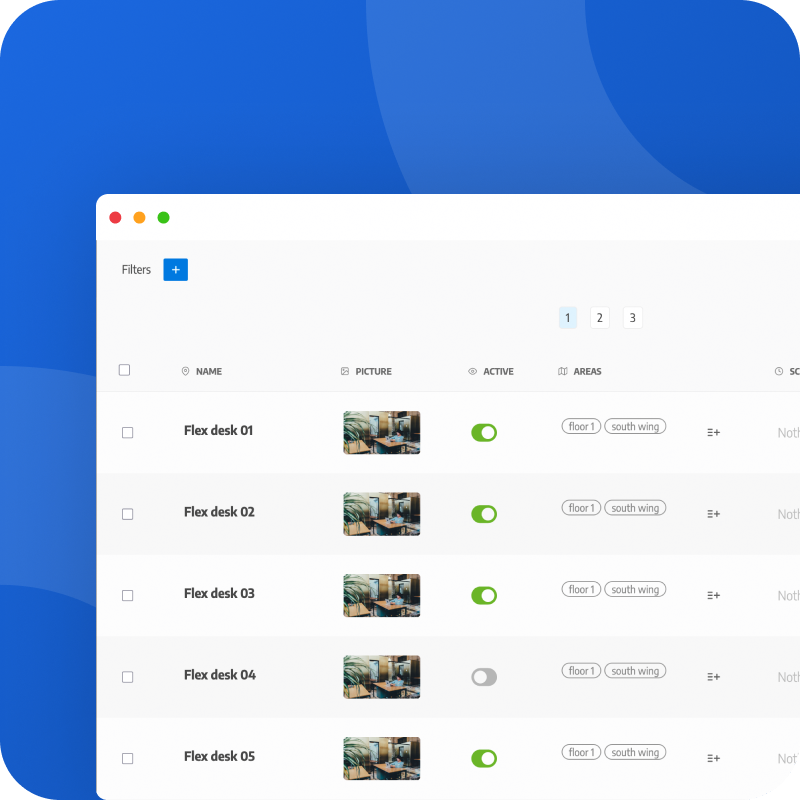
Configure your offices, floors, desks, meeting rooms, parking spots, and shared resources in Daysk’s admin panel. Upload your floorplans, define booking rules, set capacity limits, and assign access by team or role. Setup takes hours, not weeks.
Step 2
Employees book what they need
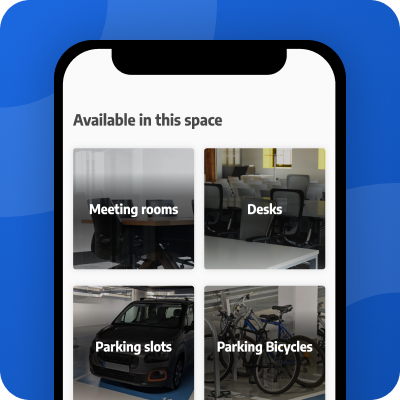
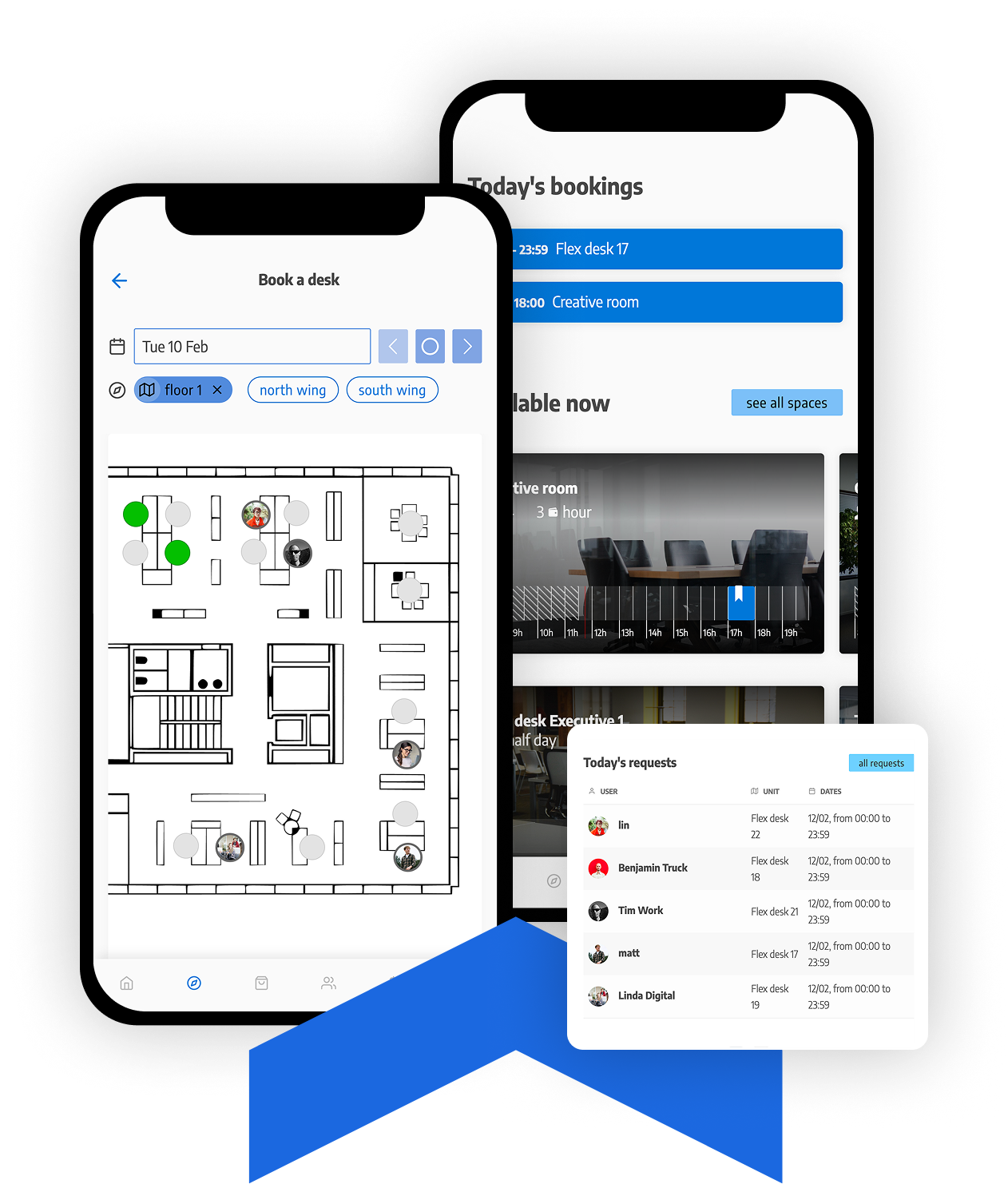
Your team books desks, rooms, parking, and resources directly from the Daysk web app, mobile app, or via Microsoft 365 or Google Workspace calendar integrations. They can see who else is in, choose to sit near their team, and check in via QR code when they arrive.
Step 3
You monitor, manage & optimize
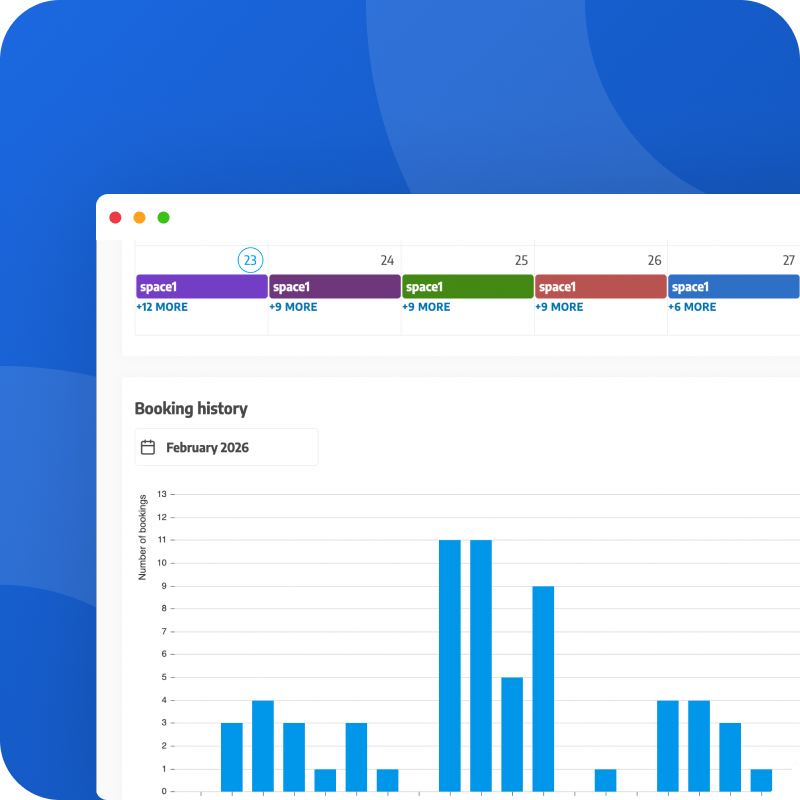
From your admin dashboard, track real-time occupancy, manage bookings, send workplace communications, and access utilization reports across your entire office. Spot underused spaces, adjust policies, and report on office performance, all from one place.
KEY FEATURES
Features office managers need
Everything an office manager needs to run a hybrid workplace without the complexity.


-
Case study
TBS and Daysk – Technology and Innovation for Space Management
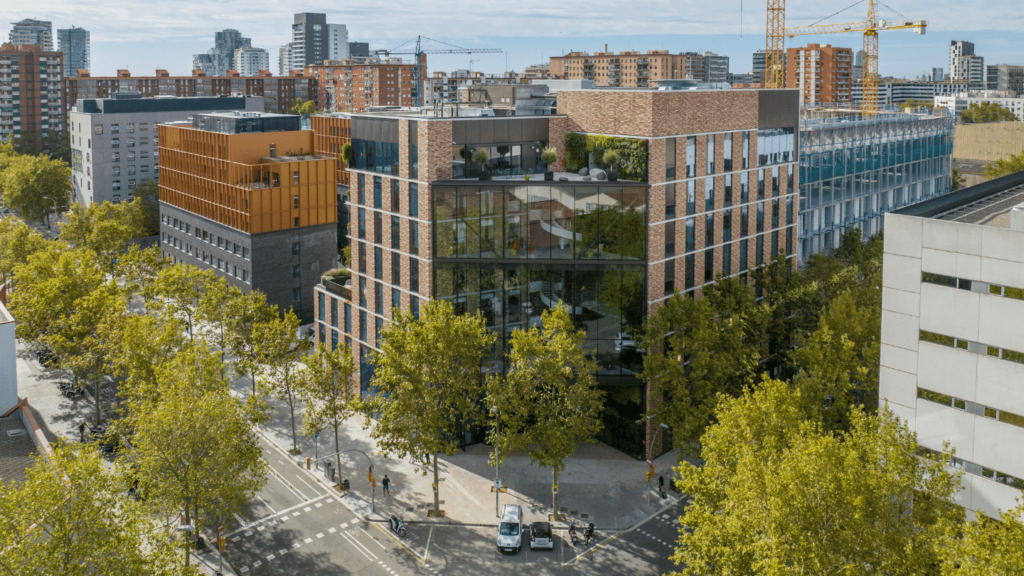
TBS Education has opened its new campus in 22@, the benchmark district for innovation, technology and entrepreneurship in the city of Barcelona.
Testimonial
What technical directors say about Daysk
“Daysk has not only allowed all this in an easy and fast way, but has also shown a closeness that few providers offer, with follow-up meetings where they collected and attended to the new needs that were arising in TBS, developing and deploying them in production with quality.”

Sergio CERRILLO
CTO – Toulouse Business School

Integration
Fits your existing
workplace ecosystem.
More solutions
Explore More Solutions
Daysk adapts to different workplace models and operational needs — explore other solutions designed for key roles and workspace scenarios.
Solutions for owners & asset managers
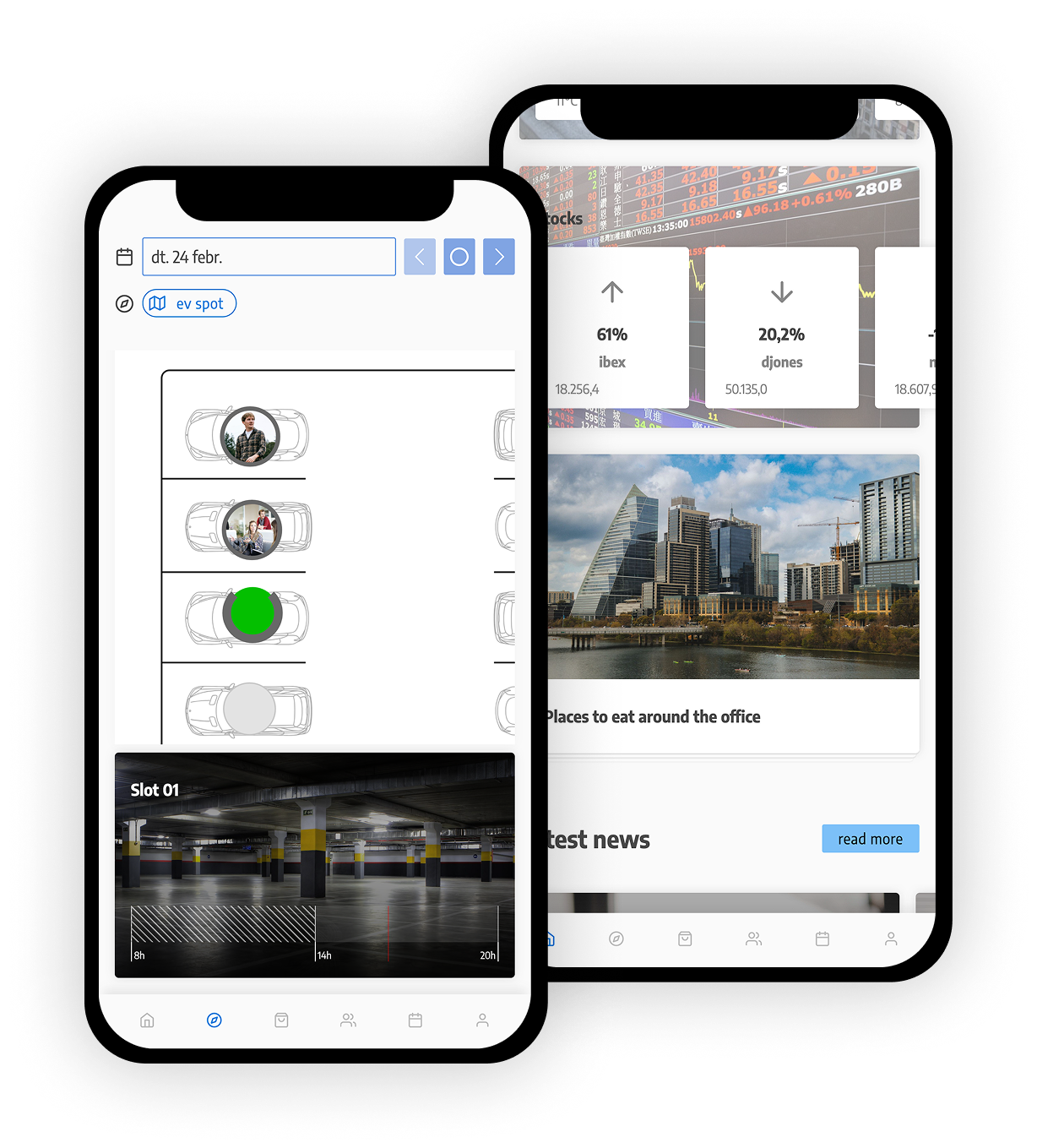
Increase asset value, reduce operational costs, and leverage real usage data.